Should I make a screenshot guide or a video tutorial?
Screenshots or video for a how-to? Choose by what the reader does next, whether that's following along, learning a gesture or looking one detail up.

Walkthru team
Use a screenshot guide when the reader follows the steps at their own pace or needs to look up one detail. Use a short video when movement or timing is the point, such as a swipe or a drag. In one controlled study, video tutorials taught software better than paper ones, so for someone learning a task, pair a short video with written steps. Walkthru can export one guide as both a PDF and a video.
In this article
Choose by what the reader does next
Forget which format looks more polished. Ask what the reader will do: watch once to understand, follow along while doing the task, or come back later for one detail.
Someone changing a setting needs the control’s name and time to find it. Someone learning a swipe needs to see its direction and where it starts. Those are different needs, even inside the same app.
| The reader needs to | Start with | Why |
|---|---|---|
| Follow a sequence while switching back to the app | A numbered screenshot guide | They set the pace and can jump back to any step. |
| Understand a drag, swipe or animation | A short video | Motion shows how the gesture causes the result. |
| Check an exact label, format or prerequisite | Written text, with a screenshot if it helps | The detail is there without replaying a clip. |
| Print or save a fixed procedure | A PDF | Text and pictures stay together in one file. |
| Look up a task that changes often | A maintained article with text and images | Each instruction and picture can be updated on its own. |
| Get an overview before practising | A short demo plus written steps | The demo gives context; the steps support doing it. |
Research favours each format for a different job. In a controlled study of software training, van der Meij and van der Meij (2014) found that people taught with video tutorials did better than those given the same content on paper. Video helps someone learn a task. Written steps help someone do it, look up one detail, or follow along where they can’t play sound. Test your choice with real readers.
The same task in both formats
Take a return request in a shop app. A screenshot guide shows the order, the chosen item, the reason field, the confirmation and the finished request. The instructions say what to choose and what to check before sending.
A video shows how those screens connect. But to read a button’s exact wording, the viewer has to pause and replay. When the task has no important motion, the video is a bonus and the written steps are the main instruction.
Now take dragging an item to reorder a list. Where the finger starts, holding it down and the movement all matter. A video or an animated marker shows the gesture, and a written step names where the item should end up. A screenshot still helps as a picture of the finished list.
What changes when you export the same Walkthru guide?
In Walkthru you build the steps once and then choose an output. That saves assembling the guide twice, but the outputs aren’t identical.
| In the guide | PDF, images and Markdown | Video |
|---|---|---|
| Annotated screenshot | Drawn into the exported picture | Held on screen, or played over the original footage, depending on the step |
| Step title and caption | Printed as text in the PDF and Markdown; write your own text beside image-only exports | Not shown in the video |
| Text label on the picture | Visible in the exported picture | Visible on the picture in the video |
| Accepted redaction | A solid cover drawn into the picture | That step holds on its covered screenshot |
| Narration | Left out of documents | Your recorded voice can play over the video |
For words that must appear in the video, put short text labels on the picture. A paragraph-long caption won’t show up. To explain out loud, see adding a voiceover.
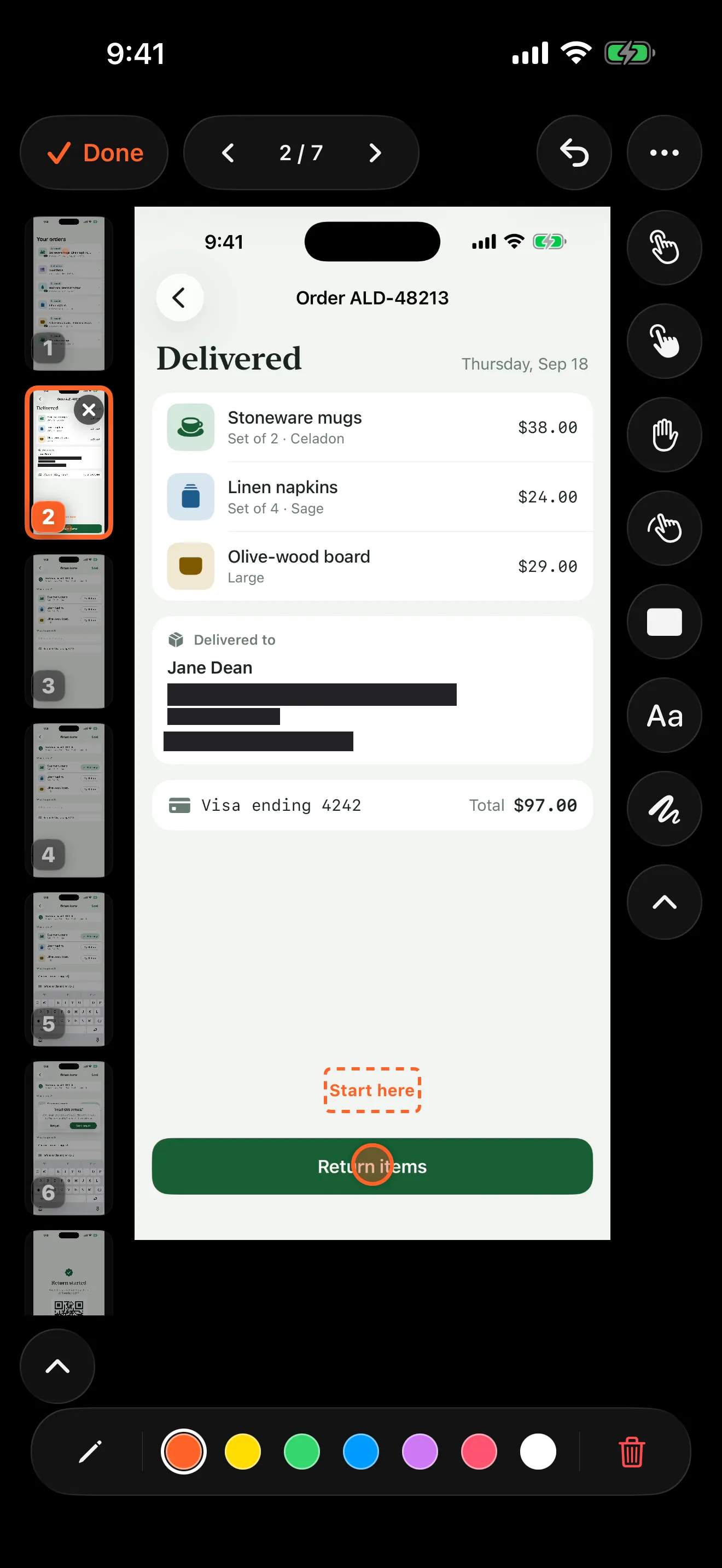
A “Start here” text label in the Walkthru editor. Labels like this appear in every export, including the video; the step’s title and caption appear only in the PDF and Markdown.
Plan for people watching without sound
Put the essential instructions in writing, even when you add narration. Someone may be in a noisy place, unable to listen, or using a screen reader. A marker that only points needs the control’s name written beside it.
Walkthru’s narration is your recorded voice, not automatic subtitles. If you need synchronized captions, add and check them with a captioning tool before publishing. A written companion helps, but captions are a separate job.
Name the control as well as its colour. “Tap Save” beats “Tap the green button”, because the label still works when the colour is hard to see or the app’s theme changes.
Count the cost of the next update
A renamed button may need one new picture and instruction in a guide. In a video, it may also need a new spoken line and a timing check. When the task itself changes, review both formats, however small each edit looks.
Keep the editable guide, and know where the current version is shared. Editing a guide on your phone doesn’t change PDFs, videos or help-centre articles you already published. Use the update checklist to keep the copies in step.
A quick decision before you capture
Ask three questions:
- Would a still picture lose something the reader needs? Then capture motion.
- Will the reader look up or follow individual steps? Then write those steps.
- Can a first-time reader finish the task without you beside them? If not, improve the content before adding another format.
If the reader will do the task while following along, start with written steps and add video where it shows something the stills can’t. If the reader is learning the task for the first time, a short video with written steps beside it is often the stronger pair.
Related questions
Are screenshots always better for documentation?
No. Screenshots show each screen clearly, but a still picture explains a moving gesture poorly. Choose the format that keeps the information the reader needs.
Can one Walkthru guide become both a PDF and a video?
Yes. The same guide exports as a PDF guide, Step images, a Markdown bundle or a video reel. Check each one: step titles and captions are not burned into the video, and redacted or replaced-picture steps hold on a still image.
Is a video made from screenshots the same as a screen recording?
No. A screenshot video holds each picture, and can animate markers or add narration. A screen recording shows the screen changing over time. The screenshot version can't show motion that was never recorded.
How long should a tutorial be?
Long enough to cover one complete task, with no waiting or detours. Test whether a new reader can find the starting point and recognize success. That check matters more than any word count or running time.
A little more to explore
Keep reading
PDF & exports
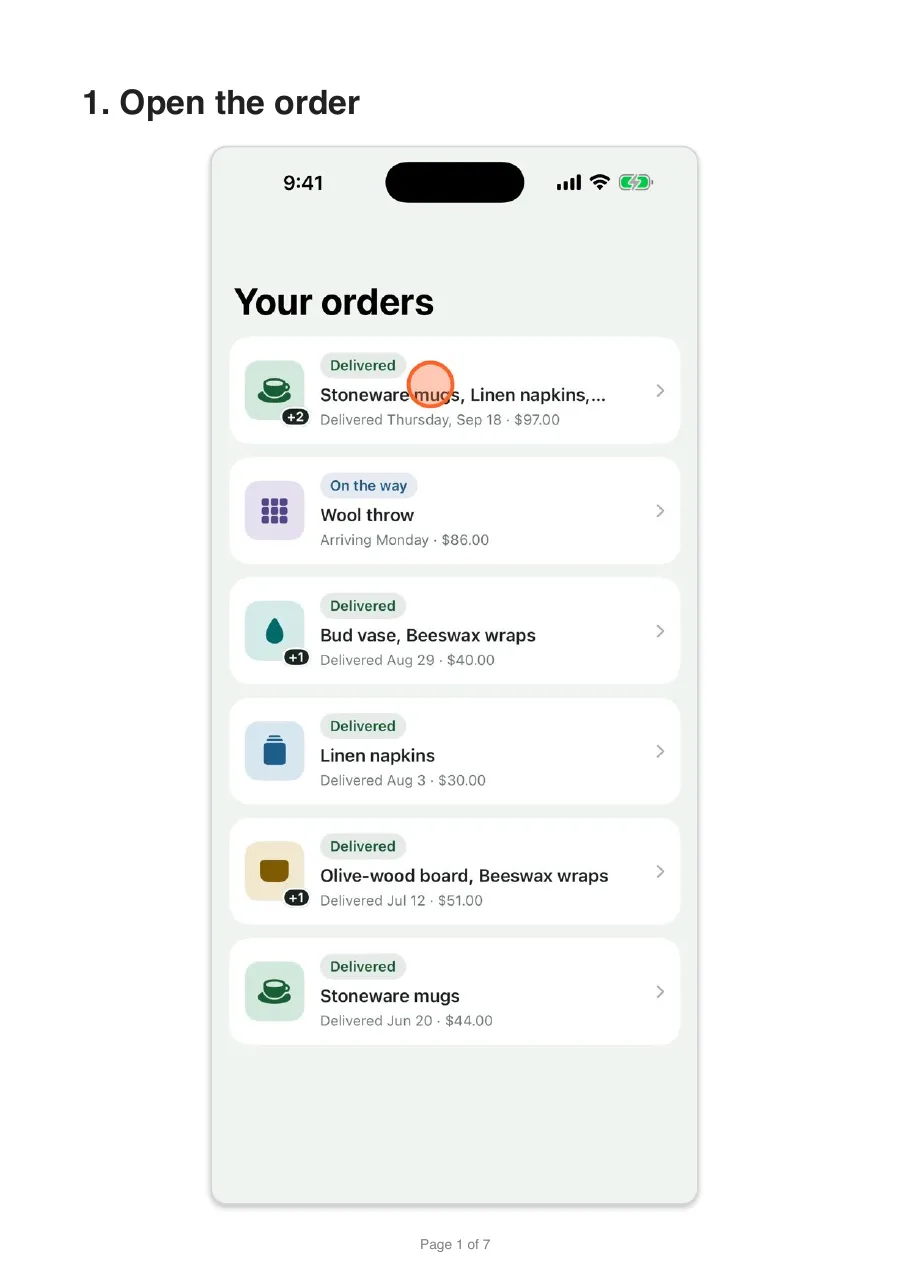
Turn a screen recording into a PDF guide on iPhone
Turn an iPhone or iPad screen recording into a numbered PDF guide with one screenshot per step. The free manual route, the faster way, and what to check.
PDF & exports
Add a voiceover to an iPhone screen recording
Talk while you record on iPhone or iPad, or add a voiceover afterwards, one step at a time, over a recording or screenshots. Includes a script pattern.
Getting started
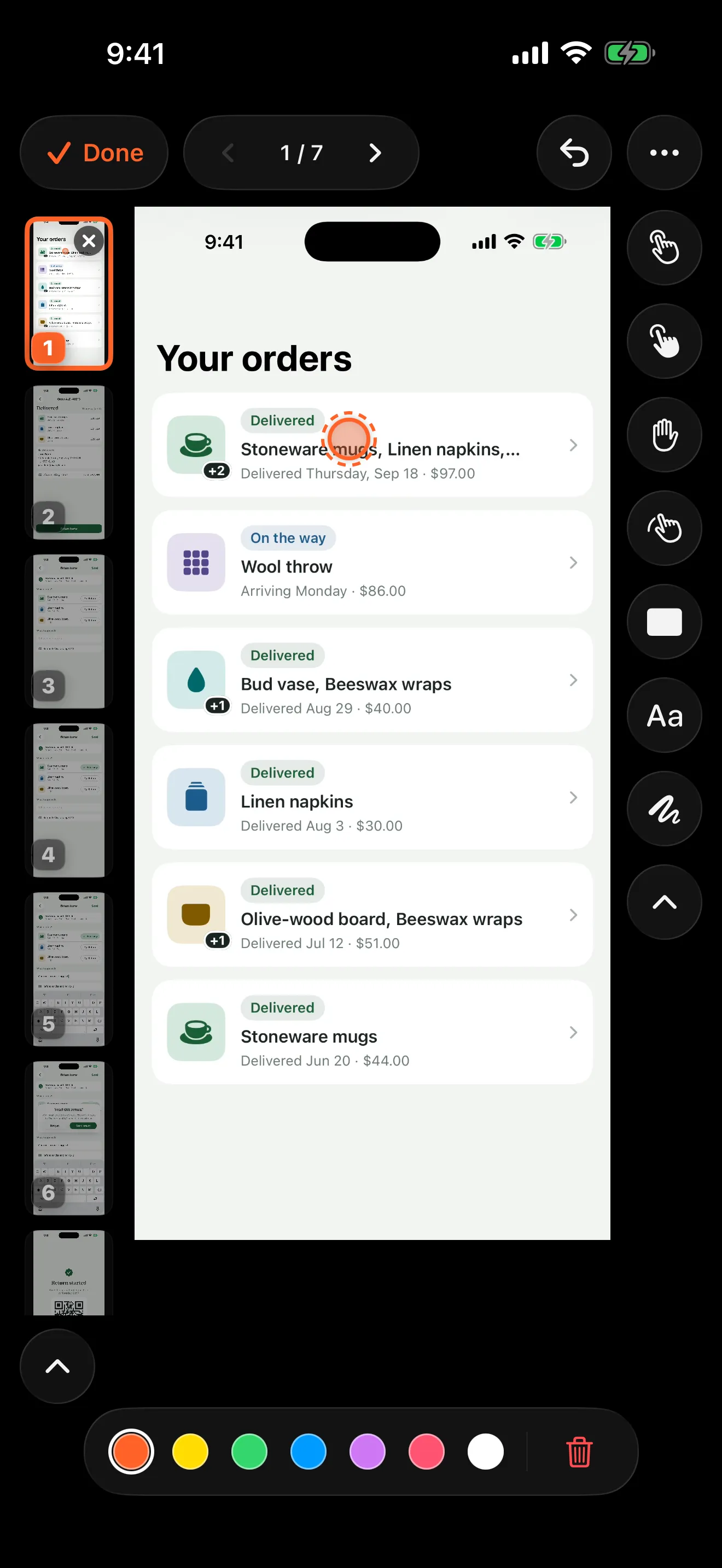
How to show taps in an iPhone screen recording
iPhone screen recordings hide your taps. Add tap markers afterwards in Walkthru, or try an AssistiveTouch custom gesture while you record.